
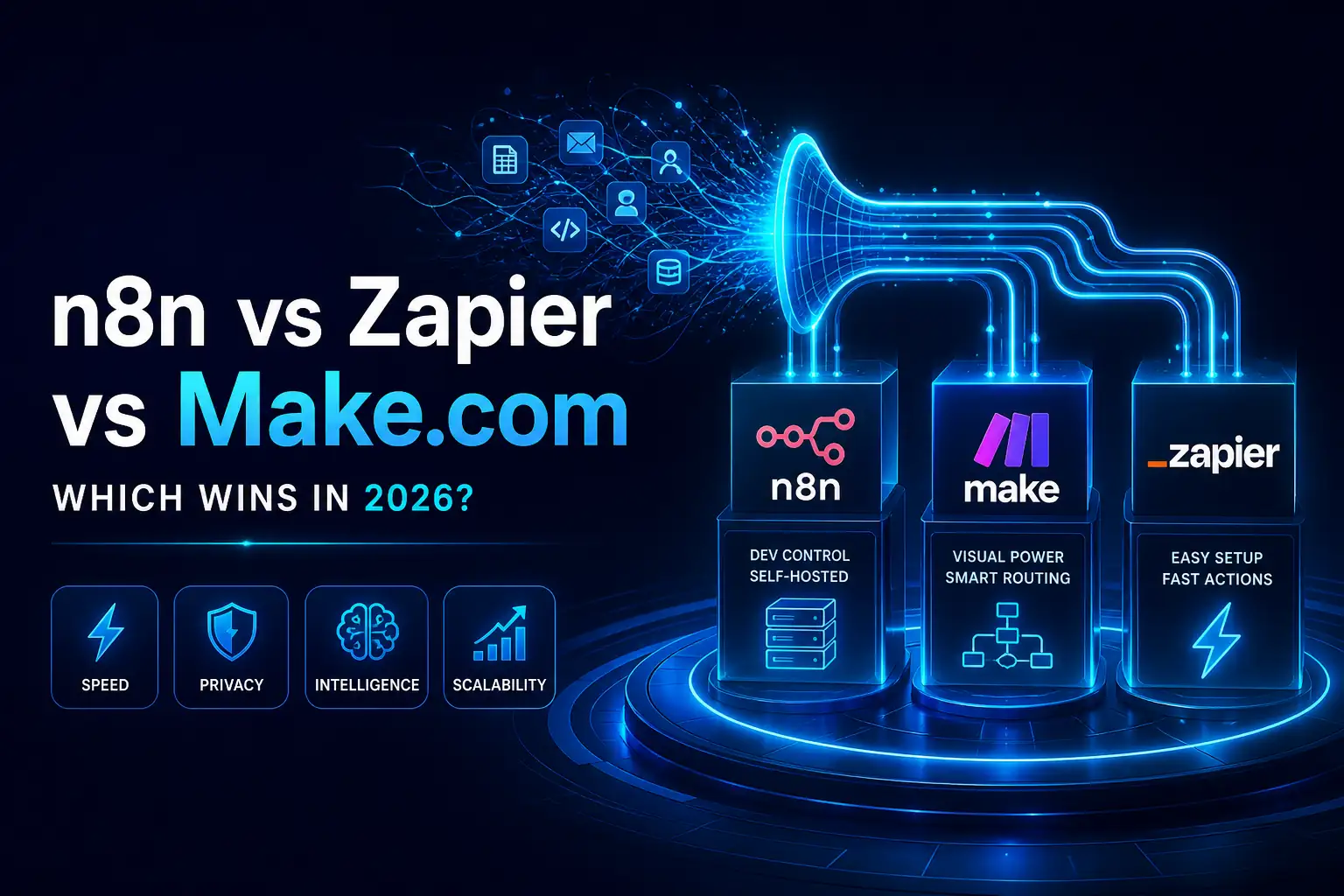
Building AI workflows used to be exciting, but now it is often frustrating. You set up a brilliant autonomous agent, only to watch it crash due to platform limits, timeouts, and sky-high API costs.
If you are researching n8n vs Zapier vs Make AI agents, you already know that standard automation tools struggle with complex AI logic. The truth is, the most popular tool on the market is actually the worst choice for complex autonomous agents in 2026.
In this global guide, we break down the reality of building AI agents today. We will look closely at execution models, true API latency, and scaling costs so you can choose the right engine for your team.
Quick Checklist: Signs your current tool is failing you
-
Workflows time out before the LLM finishes replying.
-
You are paying massive fees for basic data routing.
-
You cannot securely pass sensitive data to local models.
Why This Matters
Automation has fundamentally changed. We are no longer just moving data from a trigger to an action. Today, AI agents have shifted automation into a “Think -> Plan -> Execute” model.
This requires a completely different type of software architecture.
For CTOs and engineering leaders, getting this right means peace of mind and strict data security. For developers, it means having the flexibility to build what you actually envision. When you choose the right platform, you stop fighting the tool and start scaling your AI operations.
The Shift in Automation
-
Past: Linear, rule-based (If X, then Y)
-
Present: Autonomous, looping (Think, check, adjust, execute)
Core Problem Deep Dive
Legacy automation tools were built for simple, straight lines. They were not designed for the non-linear, looping logic that large language models (LLMs) require.
When you ask an AI to plan a project, write code, and check its own work, the workflow needs to loop back on itself. Linear tools break when you ask them to do this. They also struggle heavily with API rate limits and context window management.
A common mistake developers make is forcing dynamic AI tasks into linear automation platforms. This leads to broken state management, lost conversational memory, and constant timeout errors when the OpenAI API takes too long to respond.
Top 3 AI Automation Roadblocks:
-
Strict 30-second or 60-second execution timeouts.
-
Inability to loop back and retry failed LLM prompts.
-
Poor handling of large JSON payloads from AI responses.
Step-by-Step Solution: Choosing the Right Engine
Choosing the right platform for LLM orchestration depends on your specific needs. Follow this simple decision tree to find your match.
Step 1 – Assess Data Privacy & Security Needs
If you handle healthcare, finance, or proprietary data, cloud tools might be too risky. Self-hosted infrastructure is often mandatory. If privacy is your top concern, self-hosted n8n is the clear winner. For general data, Make.com and Zapier are fine.
Step 2 – Evaluate Workflow Complexity
Are you building a simple email drafter or an autonomous research agent? If the process is linear, Zapier works. If the agent needs to loop, make decisions, and iterate, you need the automation canvas of Make.com or the code-friendly environment of n8n.
Step 3 – Check AI Ecosystem Support
Not all tools treat AI equally. You want a platform that understands vector databases, prompt chaining, and memory. n8n offers native LangChain nodes, making it highly advanced. Make.com requires manual API routing, while Zapier keeps things very basic.
Step 4 – Project API Call Volume & Cost
AI agents consume a lot of tasks. Every thought process and API call costs money. Make.com is generally cheaper than Zapier for high-volume API calls. However, self-hosting n8n gives you unlimited internal executions, making it the most cost-effective at scale.
Tools, Platforms, and Methods Breakdown
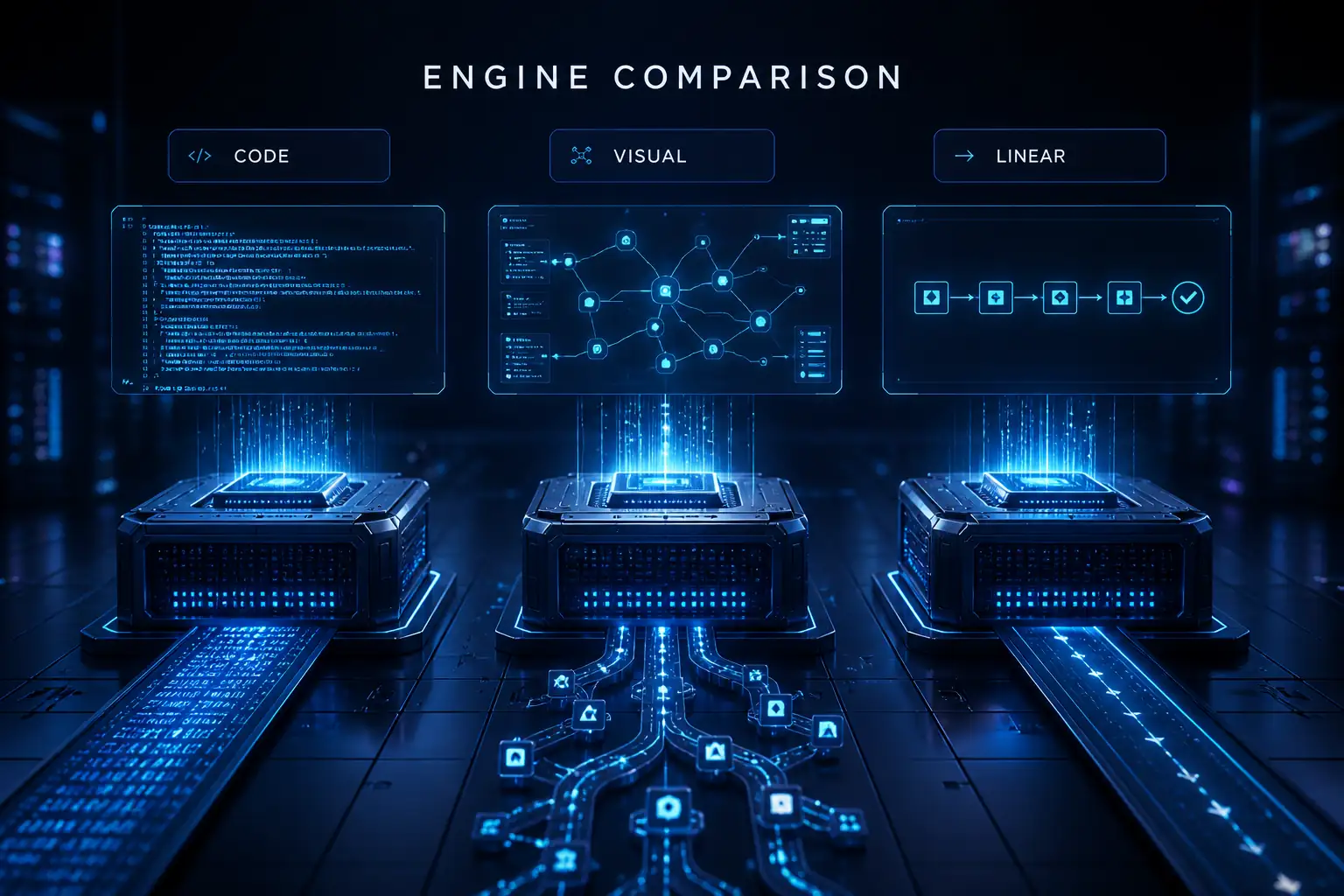
Let’s look at the hard data. Below is a deep comparison of how these three platforms handle AI workflows in 2026.
| Feature Metric | n8n | Make.com | Zapier |
| Best For | Devs, CTOs, Privacy | Complex Visual Routing | Non-tech, Fast setups |
| Self-Hosting | Yes (Free community edition) | No (Enterprise only) | No |
| AI Nodes | Native LangChain built-in | Standard HTTP/API | Basic OpenAI integration |
| Latency Handling | Excellent (Custom timeouts) | Good (Sleep modules) | Poor (Strict timeouts) |
| Cost at Scale | Lowest (if self-hosted) | Medium | Highest |
n8n: This is the developer’s choice. It features a code-friendly UI and allows for complete self-hosting, ensuring strict data privacy. It also features powerful, native LangChain nodes for advanced AI agents.
Make.com: This platform shines with its visual automation canvas. It handles complex routing and heavy JSON payloads beautifully. It sits at a mid-tier cost and is perfect for visualizing multi-step AI logic.
Zapier: Zapier has a massive app ecosystem and is incredibly easy to use. However, it is highly limited when it comes to complex AI agent looping, managing conversational memory, and handling API timeout errors.

Advanced Strategy for AI Agents
To build truly autonomous agents, you have to move past basic prompt-and-response setups. The best developers are using prompt chaining across multiple LLMs.
For example, you might use Anthropic Claude for deep reasoning and planning, and then route the instructions to the OpenAI API for fast code generation.
Managing conversational memory is also critical. Since automation tools are stateless, you should connect your workflow to a lightweight database like Redis or Postgres. This allows the agent to recall past interactions.
Pro Insider Tips:
-
Timeouts: Handle API timeouts by setting up automated retries and custom webhook endpoints.
-
Memory: Push chat history to a database, then pull it back into the context window on the next run.
-
Routing: Use conditional logic to switch to a cheaper LLM for easy tasks to save money.
Case Study and Real Example
Let’s look at how this works in the real world when building an autonomous customer support agent.
Scenario: A tech company needed an agent to securely query an internal database, read a user’s problem, and formulate a technical response without human help.
Key Takeaways from the Case Study:
-
Self-hosting kept internal database credentials secure.
-
Smart routing reduced token waste.
-
The agent could retry failed database searches autonomously.
Expert Framework (E-E-A-T SAFE)
In my experience, when migrating heavy AI workflows, I always use the 3-step “SAFE” system.
This framework ensures your AI agents remain stable, affordable, and secure.
The SAFE System Architecture:
-
Scalability: Can the platform handle 10,000 daily LLM queries?
-
Architecture: Does the visual canvas support looping and sub-workflows?
-
Flexibility: Can you easily swap OpenAI for Anthropic Claude if needed?
-
Economics: Will the per-task pricing bankrupt you at scale?
Common Mistakes in AI Agent Development
Even experienced developers make critical errors when transitioning to AI automation. These mistakes lead to ballooning costs and broken systems.
Here are the four major errors: creating infinite LLM loops, ignoring token costs, failing to parse JSON correctly, and insecure API key storage.
To fix these, you must add circuit breakers (limits on how many times a loop can run). Always use structured outputs to force the AI to return clean JSON. Finally, use environment variables to hide your API keys.
| Concept | Before (Bad Practice) | After (Best Practice) |
| Loops | Let the AI retry until it gets it right. | Set a hard limit of 3 retries (Circuit Breaker). |
| Data Output | Ask the AI to “format as a list”. | Use strict JSON schema validation. |
| Security | Paste OpenAI key directly into the node. | Use native credential vaults or Docker env variables. |
Future Trends and Strategic Insights
The landscape of AI automation is moving incredibly fast. In 2026, we are seeing a massive shift toward on-device AI agents.
We are also seeing native multi-agent orchestration become the standard. Frameworks like AutoGen are being integrated directly into tools like n8n. The industry is evolving from simple SaaS integrations to full autonomous desktop control.
For businesses, the opportunity is clear. Early adopters who master complex workflow builders now will easily outpace competitors who are still manually clicking buttons.
What to watch for:
-
Local LLMs running entirely on self-hosted infrastructure.
-
Agents that can independently write and test their own code.
Action Plan and Implementation Guide
Ready to start building? Do not try to build the final product on day one. Start small and scale up.
Here is your quick-start checklist to get moving today.
Priority Implementation Steps:
-
Map Logic: Draw your agent’s decision tree on a whiteboard or tool like Miro.
-
Choose Engine: Pick n8n for code/privacy, Make for visual routing, Zapier for basic tests.
-
Setup Keys: Securely add your OpenAI or Anthropic API keys.
-
Build PoC: Create a simple proof of concept (one prompt chain).
-
Monitor: Run the workflow 10 times and monitor the API latency.
Conclusion
Choosing between n8n vs Zapier vs Make AI agents comes down to your technical skill and project scope.
For building AI agents in 2026, n8n is the undisputed winner for developers needing self-hosting, data privacy, and native LangChain logic. Make.com is the best choice for visualizing complex, multi-step AI routing without breaking the bank. Zapier remains ideal for non-technical users who just need basic AI actions connected to standard SaaS apps.
Stop letting platform limits hold your AI initiatives back. Build systems that scale intelligently.
Book a Free AI Architecture Audit to see exactly how we can optimize your workflows, or Hire an AI Workflow Expert to build your autonomous agents the right way from day one.
FAQ
Basic
What is an autonomous AI agent?
An autonomous AI agent is software that uses a Large Language Model (LLM) to think, plan, and execute multi-step tasks without human input. It can make decisions based on the data it receives.
Does Zapier have built-in AI?
Yes, Zapier offers built-in AI actions and native OpenAI integrations. These are great for basic tasks like summarizing emails or drafting quick responses, but lack advanced looping logic.
Is n8n completely free to use?
The community edition of n8n is free to self-host, which is great for developers. However, if you want managed cloud hosting or enterprise-level features, there are subscription costs.
What is Make.com?
Make.com (formerly Integromat) is a powerful visual automation platform. It is widely known for its automation canvas, which excels at handling complex data routing and multi-step logic.
Do I need to know how to code to build AI agents?
No, you do not need to be a programmer. However, understanding JSON structure and basic programming logic will help you immensely when using advanced tools like Make and n8n.
Intermediate
How does n8n vs Make pricing compare for AI?
n8n is highly cost-effective if you self-host, as internal task executions are essentially free. Make.com charges per operation, but it is still significantly cheaper than Zapier for high-volume API calls.
Can I use LangChain with these tools?
Yes. n8n stands out by having native advanced AI nodes built specifically on LangChain concepts. Make.com can work with LangChain, but requires manual and complex API setups.
How does Zapier handle OpenAI API limits?
Zapier can struggle here. It often experiences timeout errors on very long LLM responses. Preventing this requires careful prompt design to ensure the AI replies quickly.
Should I use cloud or self-hosted tools for AI?
If your company requires strict data privacy, HIPAA, or SOC2 compliance, self-hosted infrastructure (like n8n) is the best choice. Cloud tools are fine for public or non-sensitive data.
Which tool is best for Anthropic Claude integrations?
Both Make.com and n8n offer robust handling for Claude. They easily manage Claude’s massive context windows and allow for deep, conversational prompt chaining.
Advanced Troubleshooting
How do I fix timeout errors in Zapier AI workflows?
You should break complex tasks into smaller prompts. Alternatively, use webhook endpoints to trigger asynchronous background processes so Zapier doesn’t have to wait for the LLM to finish.
How to handle heavy JSON payloads in n8n?
To handle large AI data, utilize the ‘Item Lists’ node to split the data. You can also use native JavaScript code nodes for highly efficient parsing of complex JSON structures.
Are there workarounds for Make.com API rate limits?
Yes. You can use the ‘Sleep’ module to pause workflows between heavy API calls. You should also set up custom error-handling routes to automatically retry failed LLM executions.
How do I manage conversation memory in stateless automation tools?
You must connect your workflow to an external, lightweight database like Redis or Supabase. You store the chat history there and retrieve it as context for the next LLM prompt.
How do I secure OpenAI API keys in self-hosted n8n?
Never hardcode your API keys into the nodes. Instead, use Docker environment variables and n8n’s native credential management system to keep your keys encrypted and secure.
